
Why AI Face Swaps Fail - and How Identity Gets Into an AI Video
Two ways to put someone into an AI video: swap a face into existing footage, or generate the scene around their photo. We tested both, and found what gets rejected.
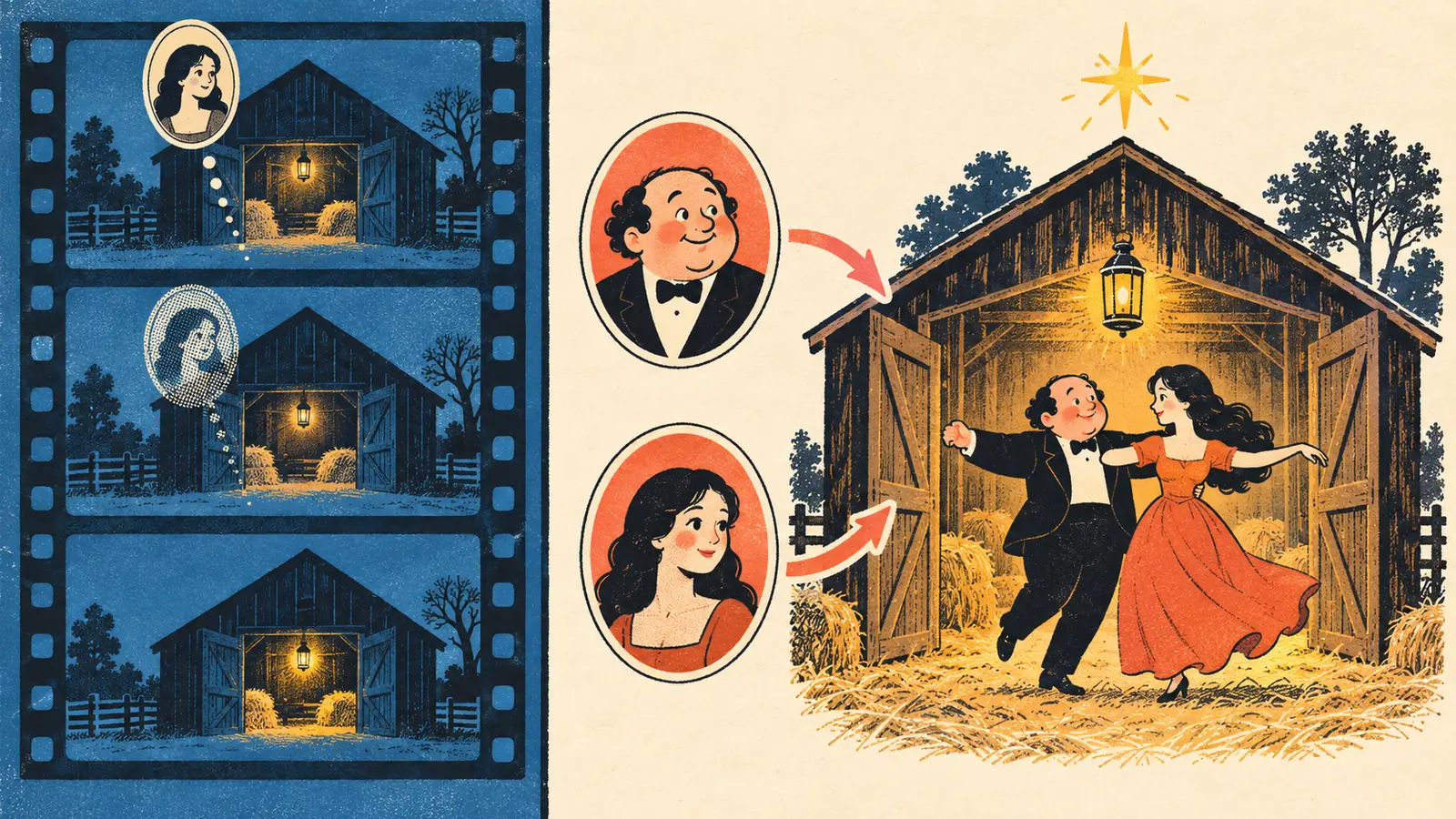
Most people assume there is one way to put a face into a video: feed a clip and a photo to a swap tool and let it paint over the original. That is one of two routes, and in practice it is the route that fails most often - for reasons that have nothing to do with the quality of your photo.
We built both routes before settling on one, so this is a description of measured behaviour rather than theory.
Route one: swap a face into a reference clip
You supply a reference clip plus one photo per performer, and the model is asked to keep the clip and replace the people in it. On paper this is the ideal: you inherit the exact scene, camera moves and choreography of the source.
What we measured: the reference clip dominates. The model treats the people in it as frame content and reproduces them - faces, wardrobe and all - while your photos only influence the first fraction of a second before the original performers reappear. Two model tiers gave the same result; the clip, not the model, was the deciding factor.
There is a second trap: because the prompt describes editing a supplied video, providers can classify the job as video editing rather than generation and then require parameters that pre-authorise a much larger spend. If a swap tool suddenly refuses a request, that is often why.
Route two: describe the scene, generate the performers from photos
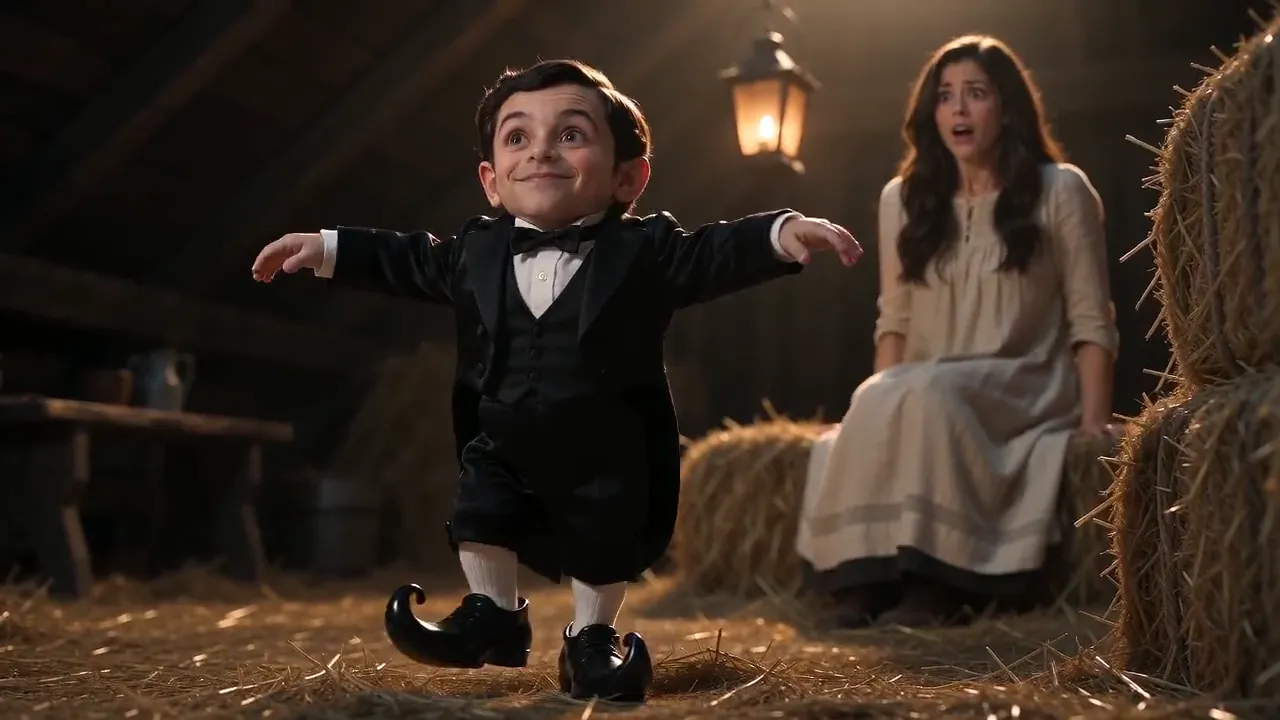
Instead of editing footage, describe the scene in words - the barn, the lantern, the film grain, the three beats - and let the model generate everything, taking each performer from their own photo. Identity then has no competition: the photos are the only source of who is in the frame.
The measured difference was not subtle. With reference footage, identity held for a fraction of a second. Without it, both performers stayed recognisable across the entire clip, cut after cut. The trade is that the scene is re-created rather than reused, which is also why there is no third-party footage anywhere in the pipeline.
The wording that gets your request rejected
Video models police the words, not the intent. Wording that describes an operation - "replace the face", "face swap", "replace the man with the person in image 1" - reads as a manipulation request and gets refused before anything is rendered.
Wording that describes the cast passes: "the person in the first reference image is the little man, keep his face, hair and beard exactly as in the photo". Same output intent, different framing, and the second one renders. If you are writing your own prompt for any tool, that is the single most useful sentence pattern to copy.
What this means if you are choosing a tool
Ask what the motion comes from. If a tool requires you to upload a clip, its output is capped by that clip - including whoever is already in it. If it generates the scene, the upload is only ever your photos, and the identity question is settled before the render starts.
Our own generator sits firmly on route two: two photos, one fixed scene, 15 seconds, silent. The scene description, the beats and the red-line wording are all documented in the prompt breakdown, and the wider trend - including the fake 1987 label - is covered in Rumpelstiltskin 1987.
Want to see it with your own two photos? Make a Rumpelstiltskin video - Standard is 50 credits, HD 100, and nothing is charged until you press generate.