
How to Pick the Two Photos for a Rumpelstiltskin AI Video
Photo rules that decide whether a Rumpelstiltskin AI render looks right: lighting, framing, one subject per slot, outfit visibility, and the two costly mistakes.
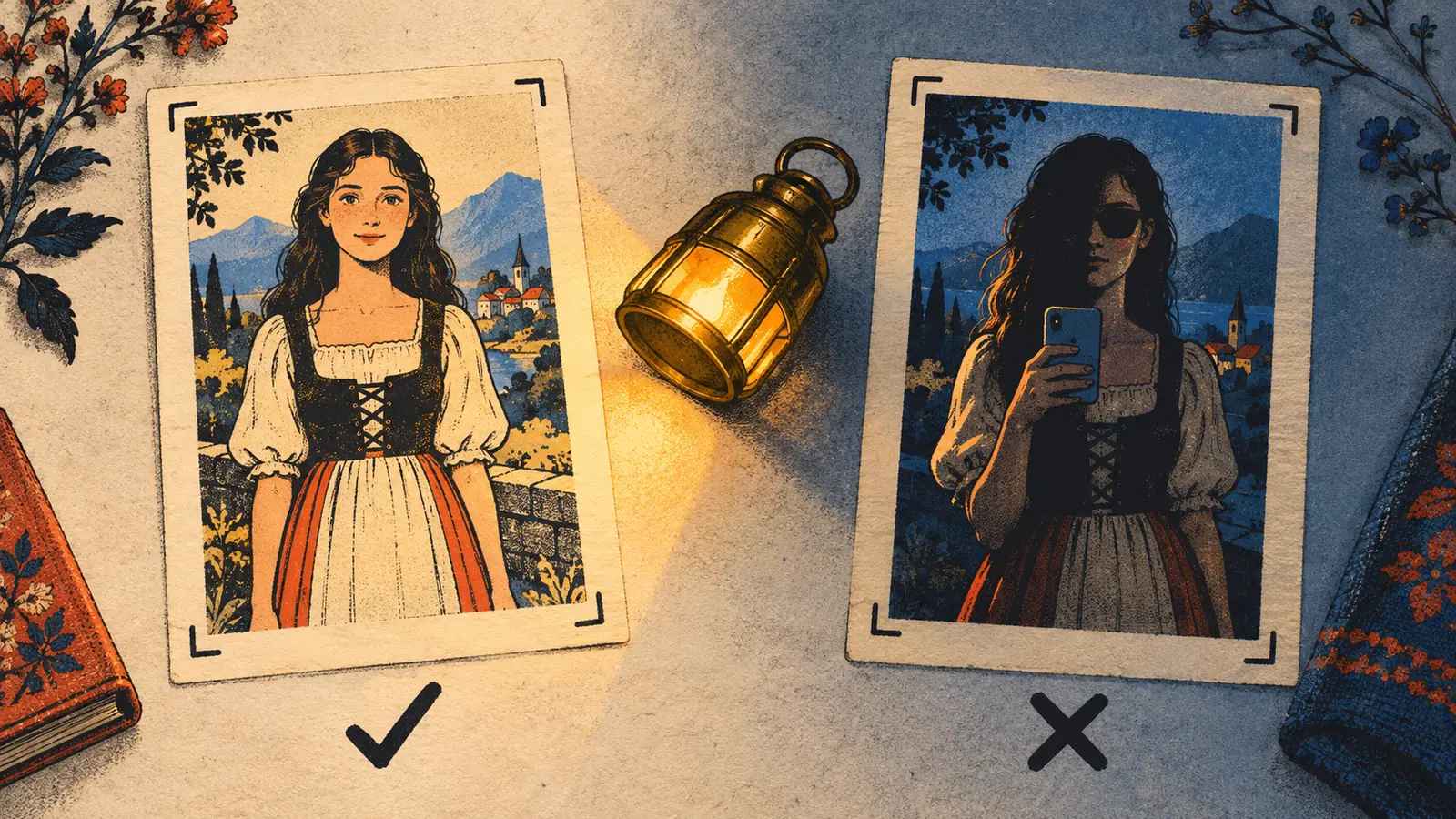
The photos are the only input, so they carry all the quality. A clean, front-facing, evenly lit portrait will beat any amount of fiddling with settings, and no setting can rescue a photo where the face is half in shadow or half behind a phone.
Here is what actually moves the result, in the order it matters.
1. One subject, facing the camera
Each slot expects one person or pet. Group photos usually pass with a warning - the model picks someone - but with two faces in one slot you are asking it to guess which one you meant, and it will sometimes guess wrong.
- Face toward the lens, not in profile.
- Eyes open, expression relaxed - the render tends to exaggerate whatever it finds.
- No sunglasses, no hats pulled down over the eyes, no hand in front of the face.
2. Show the outfit
Wardrobe comes from your photo, so a head-and-shoulders crop gives the model nothing to dress the performer in. Frame from the head down to at least the waist, and to the knees if the trousers, skirt or shoes matter to you.
This is also the closest thing the product has to styling: if you want a specific look, put it in the photo. Want a bow tie? Wear one in the photo.
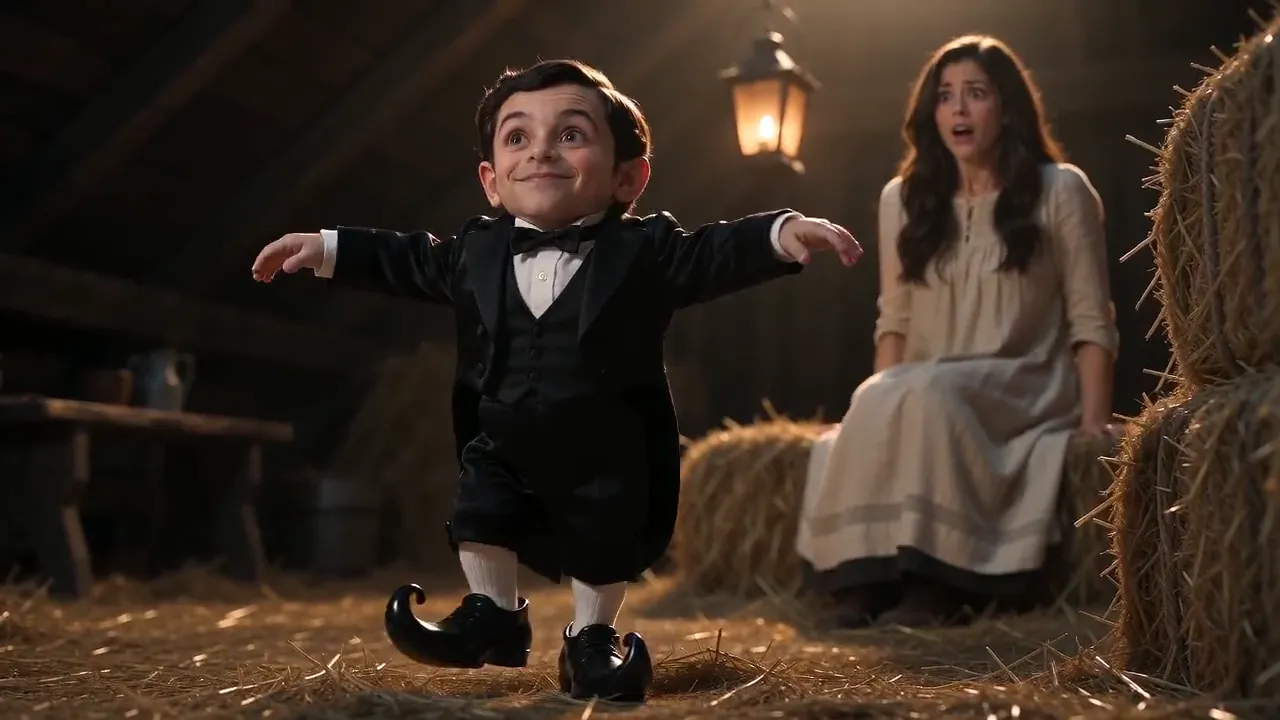
3. Even light beats dramatic light
A dull but even indoor photo produces a more stable identity than a dramatically side-lit one. Backlit photos - anyone standing in front of a window - are the single most common cause of a washed-out face.
Avoid heavy filters for the same reason: the render reproduces the smoothing faithfully, and the result reads as uncanny rather than flattering.
The two mistakes that waste a render
First: mirror selfies. The phone is part of the image, and models will happily include a second phone - or a warped arm - in the finished clip.
Second: screenshots of screenshots. A re-saved, re-cropped image has lost the detail the model needs for a face, which is why our pre-check flags it as not a photo.
If a render comes back looking wrong even though the photos looked fine to you, the usual cause is a performer who is small in the frame - crop closer and try again.
Wondering what it costs before you start? The pricing page breaks down credits and packs, the how-to guide walks through the whole flow, or go straight to the Rumpelstiltskin AI generator.